Keep the community up to date with Articles
A couple of new features have shipped to help keep the community up to date with the projects.
Until now projects have been submitted and shown to the community on Naglasúpan once, but there's been no way of keeping people up to date about projects that they are interested in.
You can create articles for your projects. You'll find the article tab on the project page.
These are sent out in digests to followers of the projects, and also appear on a new latest tab on the projects page.
Publish updates
You create the article in draft mode in an in-browser editor, and once you're happy you can publish it.
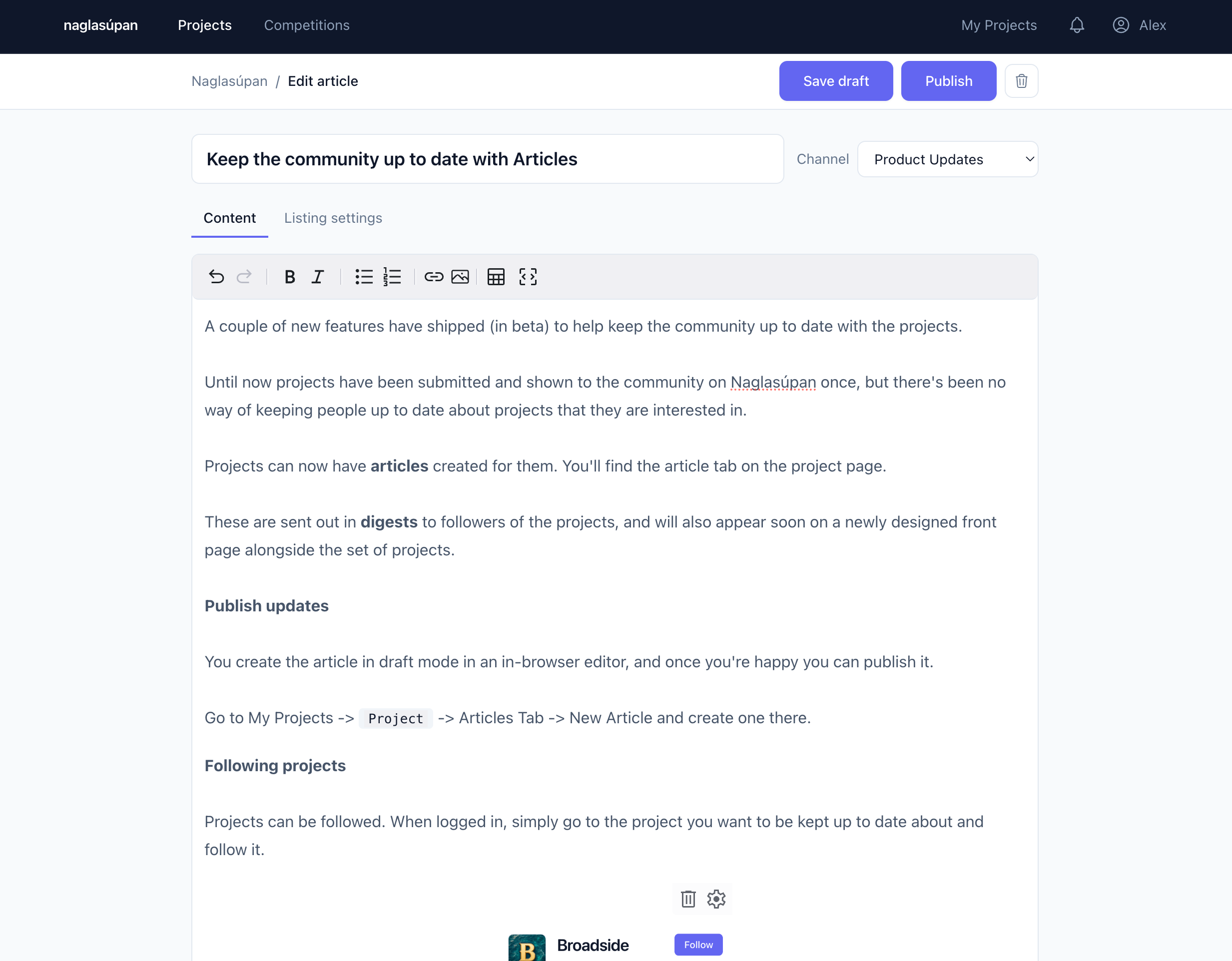
Go to My Projects -> Project -> Articles Tab -> New Article and create one there.
Following projects
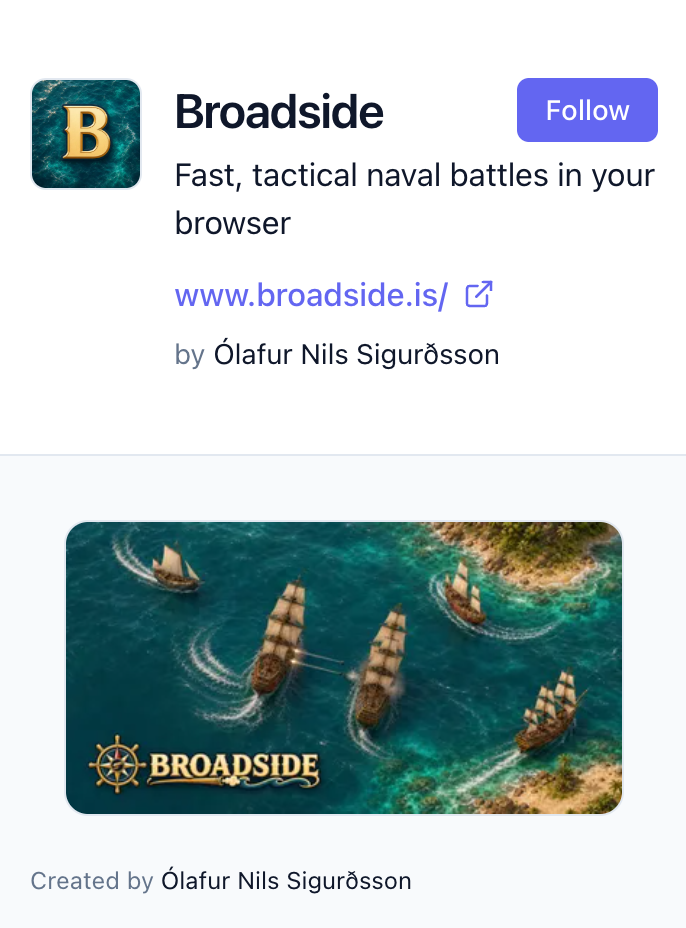
Projects can be followed. When logged in, simply go to the project you want to be kept up to date about and follow it.
 Channels
Articles are posted on channels, and subscriptions are channel based. Initially every project gets a single channel, named updates, that you'll be posting to.
Email-based settings for Naglasúpan itself have moved to the following/channels based approach.
To adjust your following settings, use the Following page under your username in the menu bar.
Digest frequency
The article digests are sent out according to your preferences on the profile page.